Easy Invert 2.0 Simple and Efficient Color Inversion Software for Windows
What is Easy Invert?
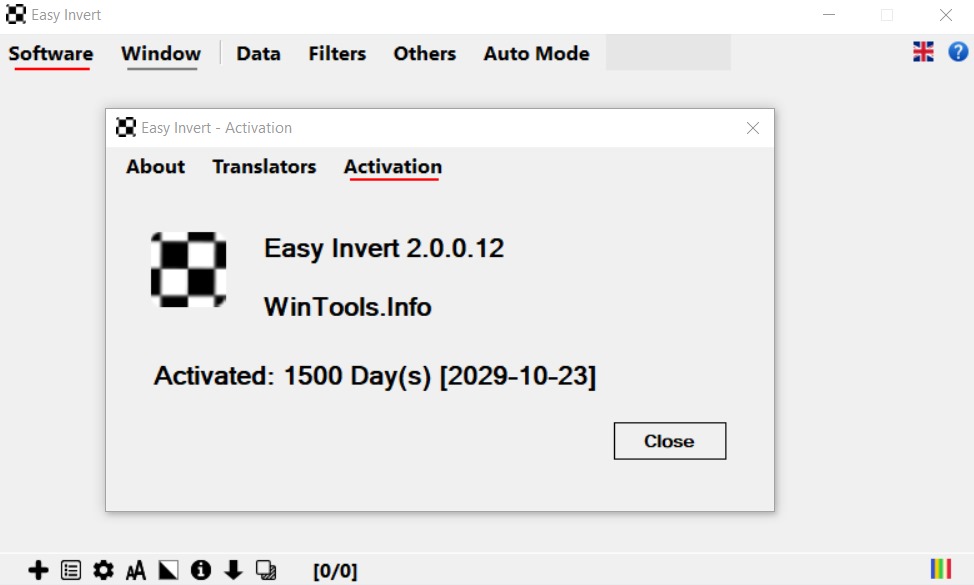
Easy Invert is a lightweight and user-friendly software designed to invert screen colors instantly on Windows devices. It is especially useful for users who need better screen visibility, reduced eye strain, or accessibility support. With just a single click or keyboard shortcut, Easy Invert transforms your display colors, making it easier to work in low-light environments or for extended periods.
This tool is ideal for students, professionals, developers, and anyone looking for a simple way to enhance screen readability without complex settings.
Why Choose Easy Invert?
In today’s digital world, long screen hours can lead to eye fatigue and discomfort. Easy Invert offers a quick and effective solution by allowing users to switch to inverted color mode instantly.
Perfect for Everyday Use
- Night-time computer usage
- Reading documents or code
- Accessibility for visually sensitive users
- Reducing eye strain during long sessions
Its simplicity and speed make it a preferred choice for users who want immediate results without technical complications.
How Easy Invert Works
One-Click Color Inversion
Easy Invert operates through a simple interface that lets users invert screen colors with a single click. This eliminates the need to navigate complex system settings.
Keyboard Shortcut Support
Users can assign custom hotkeys to toggle inversion mode on and off instantly, improving productivity and convenience.
Lightweight Performance
The software runs in the background without consuming significant system resources, ensuring smooth performance even on low-end devices.
Key Benefits of Using Easy Invert
Reduced Eye Strain
Inverting colors can make screens more comfortable to view, especially in dark environments.
Improved Accessibility
Users with light sensitivity or visual impairments can benefit from enhanced contrast and readability.
Increased Productivity
Quick access to color inversion helps users focus better without interruptions.
Minimal System Impact
The lightweight design ensures that your system remains fast and responsive.
Features of Easy Invert
Instant Color Switching
Switch between normal and inverted color modes instantly, making it easy to adapt to different lighting conditions.
Custom Hotkeys
Set personalized keyboard shortcuts for quick and seamless control over the software.
Lightweight and Fast
The software is optimized for performance, ensuring it runs smoothly without slowing down your system.
Background Operation
Easy Invert works quietly in the background, allowing uninterrupted workflow.
User-Friendly Interface
A clean and simple interface ensures that users of all skill levels can use the tool effortlessly.
Compatibility with Windows
Designed specifically for Windows systems, ensuring reliable performance and easy integration.
Who Should Use Easy Invert?
Students and Professionals
Those who spend long hours reading or working on screens will benefit from reduced eye strain.
Developers and Designers
Working with code or design elements becomes easier with improved contrast and visibility.
Accessibility Users
Individuals with visual sensitivities can use Easy Invert to enhance their viewing experience.
General Users
Anyone looking for a quick and simple screen adjustment tool will find Easy Invert useful.
Tips for Getting the Best Experience
Use in Low-Light Environments
Color inversion is especially effective when working in dark settings or at night.
Combine with Brightness Settings
Adjust your screen brightness along with inversion for optimal comfort.
Customize Shortcuts
Set hotkeys that are easy to remember and quick to access for maximum efficiency.
Conclusion
Easy Invert Free Download is a practical and efficient solution for anyone looking to improve screen visibility and reduce eye strain. Its simple design, fast performance, and user-friendly features make it an excellent tool for everyday use.
Whether you are working late at night, reading for long hours, or need better accessibility, Easy Invert provides a quick and reliable way to enhance your screen experience. With minimal setup and maximum convenience, it stands out as a must-have utility for Windows users.
Download
Telegram ID
eMail